
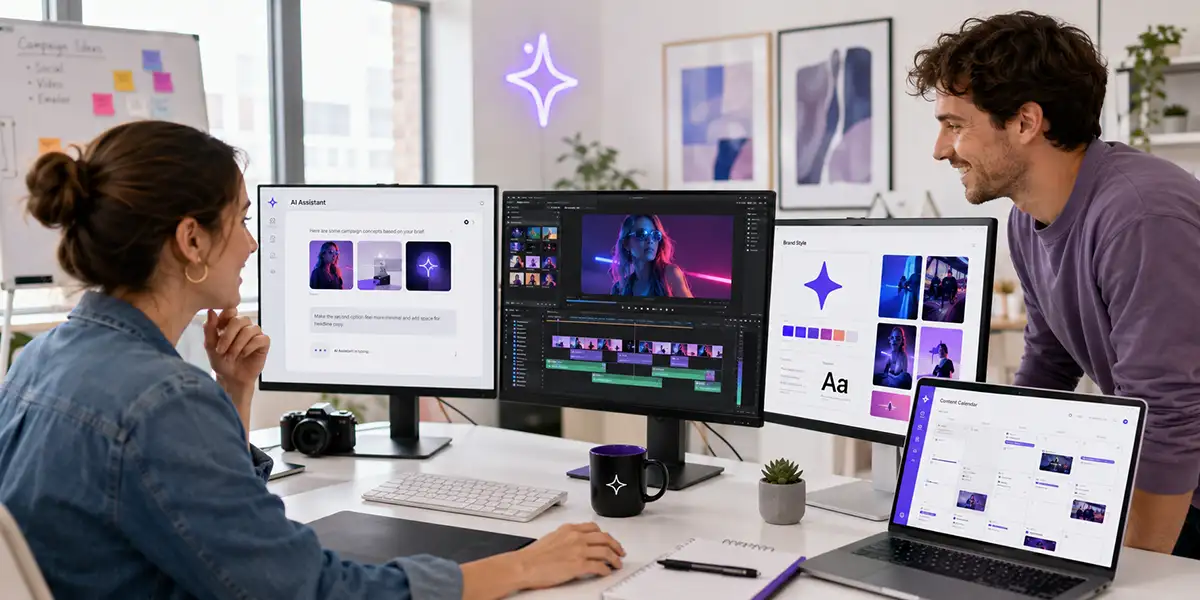
AI Video Generation Is Becoming the New Creative Battlefield for Brands and Creators
AI video generation is moving fast.
Not long ago, AI video felt like an experiment. Creators were testing short clips, strange motion, surreal characters, and futuristic visuals that were interesting but not always practical. The results were fun to watch, but they were not always ready for real marketing, brand storytelling, education, or product promotion.
That is changing.
AI video tools are becoming more capable, more accessible, and more connected to real content workflows. Google’s Veo model family now emphasizes video generation with audio, while newer tools and models are competing around realism, motion quality, editing control, synchronized sound, and creator usability. Google has also introduced Veo 3.1 Lite as a more cost-effective model for high-volume video applications, signaling that AI video is moving toward broader production use. Google DeepMind describes Veo 3.1 as a video model designed to empower filmmakers and storytellers, while Google says Veo 3.1 Lite is intended to help developers build high-volume video applications at lower cost.
At the same time, the AI video race is becoming more competitive globally. Recent reporting from the Financial Times says Chinese AI video companies such as ByteDance and Kuaishou are gaining attention with models including Seedance and Kling, and that brands are beginning to use AI to produce customized marketing content at scale.
For creators, marketers, and small businesses, the message is clear: AI video generation is no longer just a novelty. It is becoming a production advantage.
Why AI Video Generation Is Becoming a Creative Battlefield
Every major content platform now competes for video attention. YouTube, Instagram, TikTok, Facebook, LinkedIn, and even email marketing all reward stronger visual content in different ways.
That creates pressure for creators and brands. They need more video, better video, more consistent content, and more versions of the same idea for different platforms.
AI video changes the equation because it can help with speed, variation, and production support. Instead of needing a full production team for every idea, a creator can now use AI to help generate concepts, storyboards, visual scenes, product demos, background clips, social cutdowns, thumbnails, captions, and campaign assets.
This is why AI video is becoming a battlefield. The advantage will not only go to the brands with the biggest budgets. It may go to the creators who build the smartest workflows.
The Shift from Experimental Clips to Real Marketing Assets
The first wave of AI video was mostly about possibility. People wanted to know what the tools could generate. Could they create movement? Could they create realistic people? Could they turn a prompt into a scene? Could they create something cinematic?
The next wave is different.
Now the question is: can AI video help produce useful marketing assets?
That includes:
- Short-form social clips
- Product explainer videos
- Course preview videos
- Brand story videos
- Ad concepts
- Thumbnail and visual ideas
- Video backgrounds
- Animated product scenes
- Tutorial support visuals
- Campaign content variations
This is where creators and brands should pay attention. AI video does not need to replace traditional production to be valuable. It only needs to make parts of the workflow faster, more flexible, and easier to scale.
Why Brands Should Pay Attention
Brands need more than attention. They need trust, clarity, consistency, and repeatable storytelling.
AI video can help brands produce more visual content around the same core message. For example, one campaign idea can become a product demo, a short-form clip, a social ad, a landing page video, a founder message, and several visual hooks for different platforms.
This matters because modern marketing is no longer one message in one place. A brand needs multiple versions of the same idea, each adapted to a different audience, platform, and stage of the customer journey.
AI video can help with that kind of variation. But the brand still needs direction. Without a clear message, AI video becomes random. With a clear brand system, AI video becomes a production multiplier.
Why Creators Should Pay Attention
Creators often have ideas but not enough time to turn those ideas into polished content.
That is where AI video generation can help. It can support the parts of the workflow that usually slow creators down: developing visual concepts, testing different hooks, creating supporting imagery, building short clips, generating B-roll ideas, and repurposing content into multiple formats.
A creator can start with one idea and use AI to turn it into:
- A YouTube video outline
- A short-form script
- A storyboard
- A thumbnail concept
- A background visual
- A product demo structure
- A social media clip
- A newsletter section
- A blog post update
This is the real opportunity. AI video is not only about generating a final clip. It is about helping creators build a more complete content system.
The Best AI Video Workflow Starts Before You Generate Anything
One of the biggest mistakes creators make with AI video is starting with the tool instead of the message.
The better workflow starts with strategy.
Before generating a clip, ask:
- Who is this video for?
- What problem does it help solve?
- What is the main message?
- What should the viewer understand?
- What should the viewer do next?
- Where will this video be used?
- What brand style should it follow?
Once those answers are clear, AI becomes more useful. The tool can help create options, but the strategy keeps those options focused.
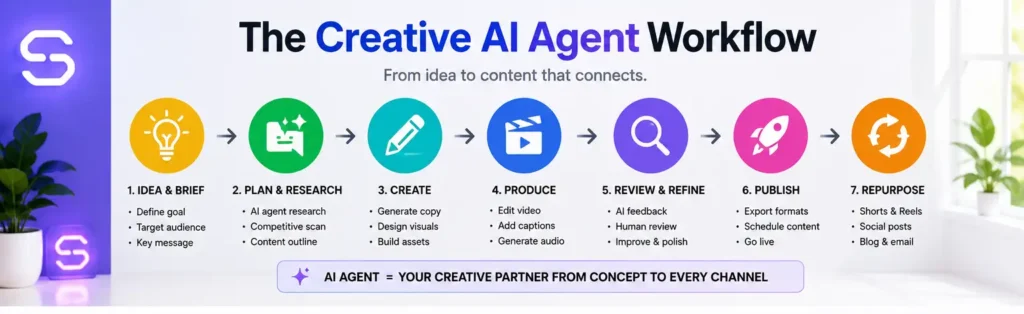
A Simple AI Video Workflow for Creators and Brands
You do not need a complicated production system to start using AI video. A simple workflow is enough.
1. Start with one clear idea
Choose one topic, product, question, article, or offer. Do not try to make one video do everything. A strong AI video workflow begins with a focused idea.
2. Write the message first
Before generating visuals, write the core message. This can be a short script, a bullet outline, or a simple problem-solution structure.
3. Build a visual direction
Decide the look and feel. Should the video feel educational, futuristic, friendly, premium, cinematic, bright, or social-first? This helps keep the output aligned with the brand.
4. Generate scenes or supporting assets
Use AI video tools to create visual scenes, short clips, concept shots, product-style visuals, or campaign backgrounds. Treat the first output as a draft, not the final product.
5. Edit with human judgment
This is where quality improves. Cut anything that feels confusing, generic, off-brand, or unnecessary. Add captions, voiceover, music, product screenshots, or human footage where needed.
6. Repurpose the video
Turn the final idea into multiple assets: YouTube Shorts, Reels, TikTok clips, LinkedIn posts, blog sections, email copy, product CTAs, and thumbnails.
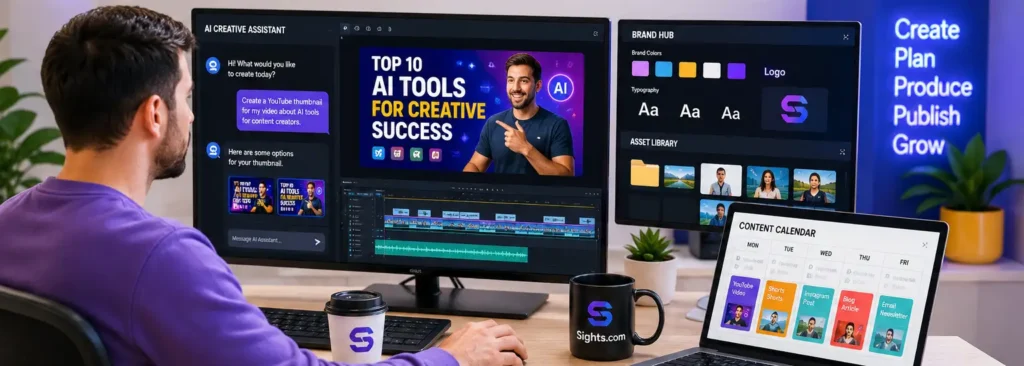
The Big Advantage: More Testing, More Variations, More Learning
One of the biggest benefits of AI video generation is the ability to test more ideas.
Traditional production often forces creators to choose one direction early because every change costs time and money. AI video makes it easier to test multiple directions before committing.
You can test:
- Different hooks
- Different visual styles
- Different scenes
- Different thumbnail concepts
- Different product angles
- Different calls to action
- Different short-form versions
This is powerful for small brands. You may not have the budget for a large creative department, but you can use AI to explore more creative options before producing the final version.
The Mistake to Avoid: Generating Without Direction
The biggest problem with AI video is not that it is too powerful. The problem is that it can be too easy to create content with no clear purpose.
Random AI video may look interesting, but it does not automatically build a brand, sell a product, teach a lesson, or create trust.
Before publishing any AI-generated video, ask:
- Does this support the brand?
- Does this communicate a clear idea?
- Does this help the viewer?
- Does this match the platform?
- Does this need a human voice, face, or edit?
- Does this lead somewhere useful?
AI can generate the raw material. Human judgment turns it into content that matters.
Where AI Video Fits in a Marketing System
AI video should not sit alone. It works best when connected to a larger marketing system.
A strong system might look like this:
- Use a blog article to define the idea.
- Turn the article into a YouTube video.
- Use AI to create supporting visuals and B-roll.
- Cut the video into short-form clips.
- Turn the key points into social posts.
- Send the main lesson to your email list.
- Connect the topic to a product, service, or free resource.
This is the direction brands and creators should be moving toward. The goal is not simply to make more videos. The goal is to make every strong idea work harder.
Useful Tools for an AI Video Workflow
You do not need every AI video tool available. You need a workflow that helps you move from idea to usable content.
For visual concepts, thumbnails, image-based video scenes, and creative direction, OpenArt.ai can help creators quickly explore visual ideas before producing videos, ads, or social content.
For creators turning videos into lessons, workshops, or online learning products, LearnWorlds can help organize video content into a structured course or learning experience.
For creators managing AI tools, affiliate dashboards, client accounts, and production platforms while traveling or working on shared networks, NordVPN can add an extra layer of privacy and safer browsing.
What Creators Should Do Now
The creators who benefit most from AI video will not be the ones who simply generate the most clips.
They will be the ones who build repeatable creative systems.
Start with these steps:
- Document your video workflow.
- Create repeatable script templates.
- Save your best AI prompts.
- Build a visual style guide.
- Repurpose every strong idea.
- Track what performs.
- Keep your human point of view visible.
AI video generation can help you move faster, but your strategy is what makes the content worth watching.
Final Thoughts
AI video generation is becoming the new creative battlefield because video is already the language of modern content.
Brands need it. Creators need it. Marketers need it. Educators need it. Product sellers need it.
But the winners will not be the people who press “generate” the fastest.
The winners will be the creators who know how to guide the tools, shape the story, protect the brand, edit with judgment, and turn one idea into many useful assets.
AI video is not just about faster production. It is about building smarter creative systems.
Want to Build a Smarter AI Video Content System?
The AI Video Marketing Kit for Creators gives you prompts, scripts, planners, affiliate video templates, course promo workflows, and repurposing tools to turn your ideas into useful video content faster.
Affiliate Disclosure: Some links in this article are affiliate links. If you purchase through them, Sights.com may earn a commission at no additional cost to you. We only recommend tools and resources that fit the topic and may be useful for creators, marketers, and small businesses.